CRM-aware calls
Stage, tags, notes, and prior AI calls feed the assistant so every conversation sounds informed — not like a cold robot.
BYOK · Follow Up Boss · ElevenLabs
CRM Voice
Bring your own keys. Customize the voice. Book appointments back into your CRM — without leaving the person page.
Works with
Setup
Self-serve — no engineer required once your FUB and ElevenLabs accounts exist.
Sign up with your slug. That becomes your private embed URL.
Follow Up Boss + ElevenLabs. Optional Twilio for hang-up from the panel.
Add /w/your-slug/embed to Embedded Apps and call from any lead.
Product
Context in. Notes and appointments out. You stay on the person page.
Stage, tags, notes, and prior AI calls feed the assistant so every conversation sounds informed — not like a cold robot.
Your FUB key. Your ElevenLabs agent and number. Your prompt.
Appointments write to Follow Up Boss calendar — not a note-only dead end.
Consent tag gating, calling hours, and a clear human override.
Live captures
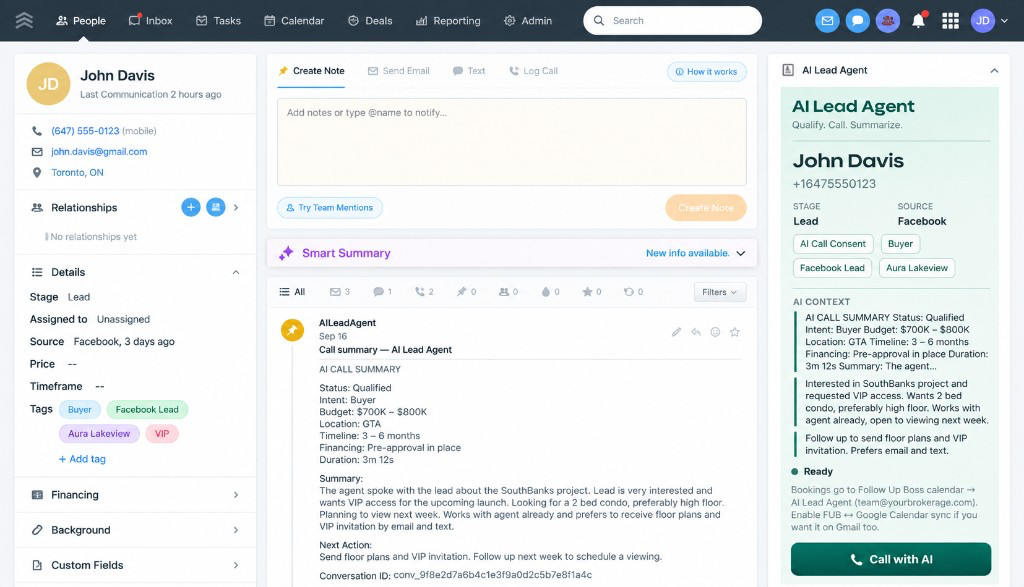
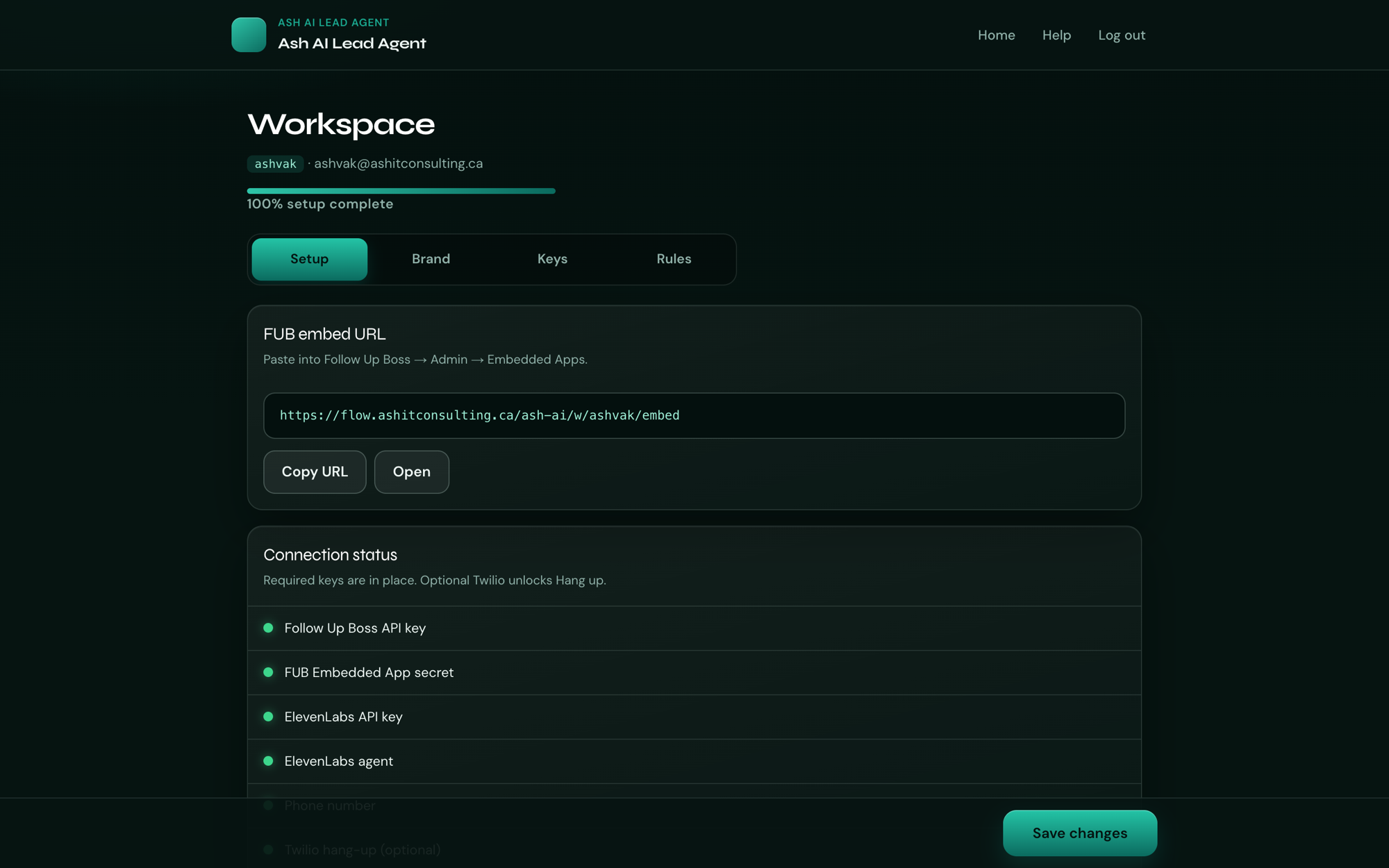
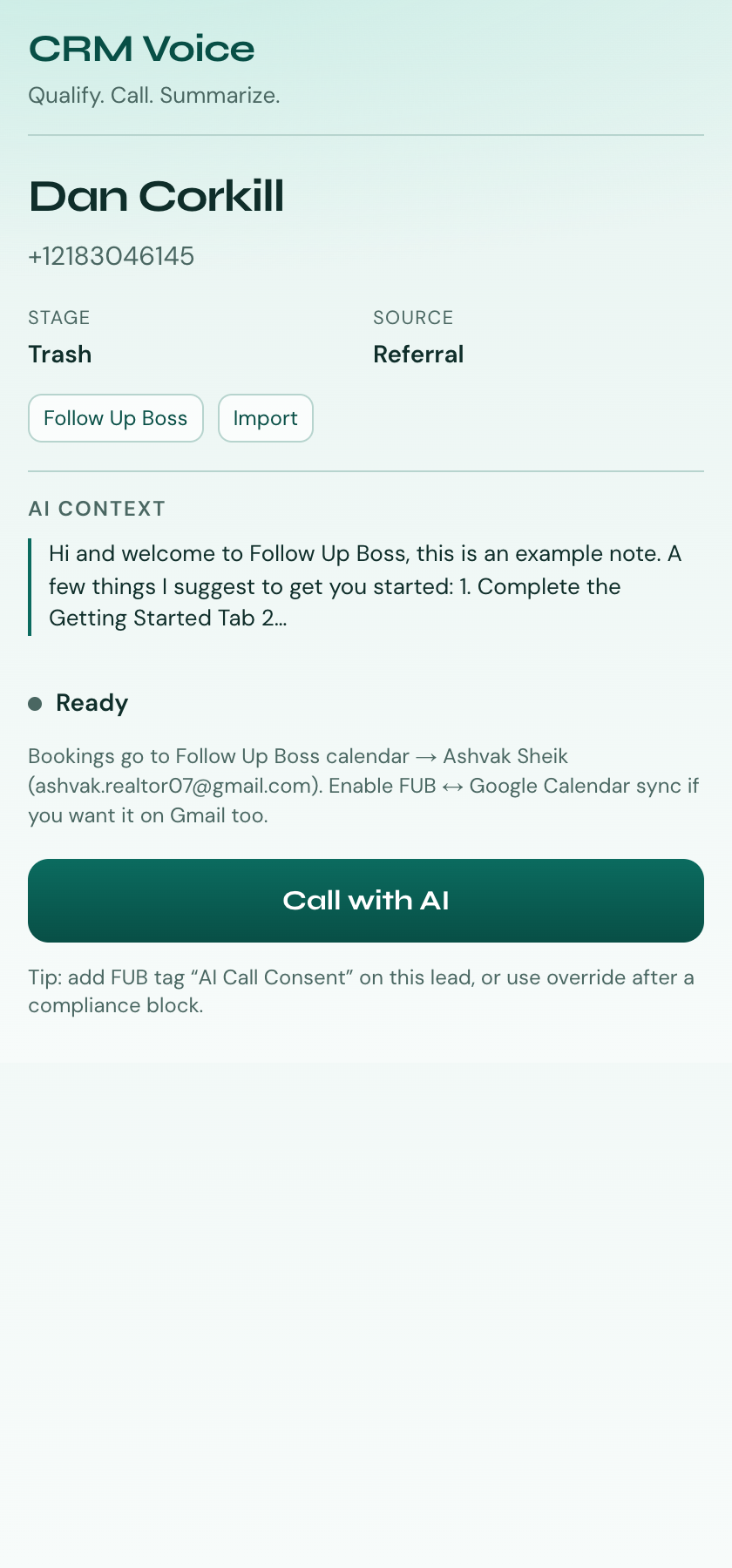
Taken from production during end-to-end testing — not mockups.
FAQ
Short answers before you create a workspace.
Yes. This is bring-your-own-keys. You paste your Follow Up Boss and ElevenLabs credentials into your workspace — we don’t share a shared calling pool.
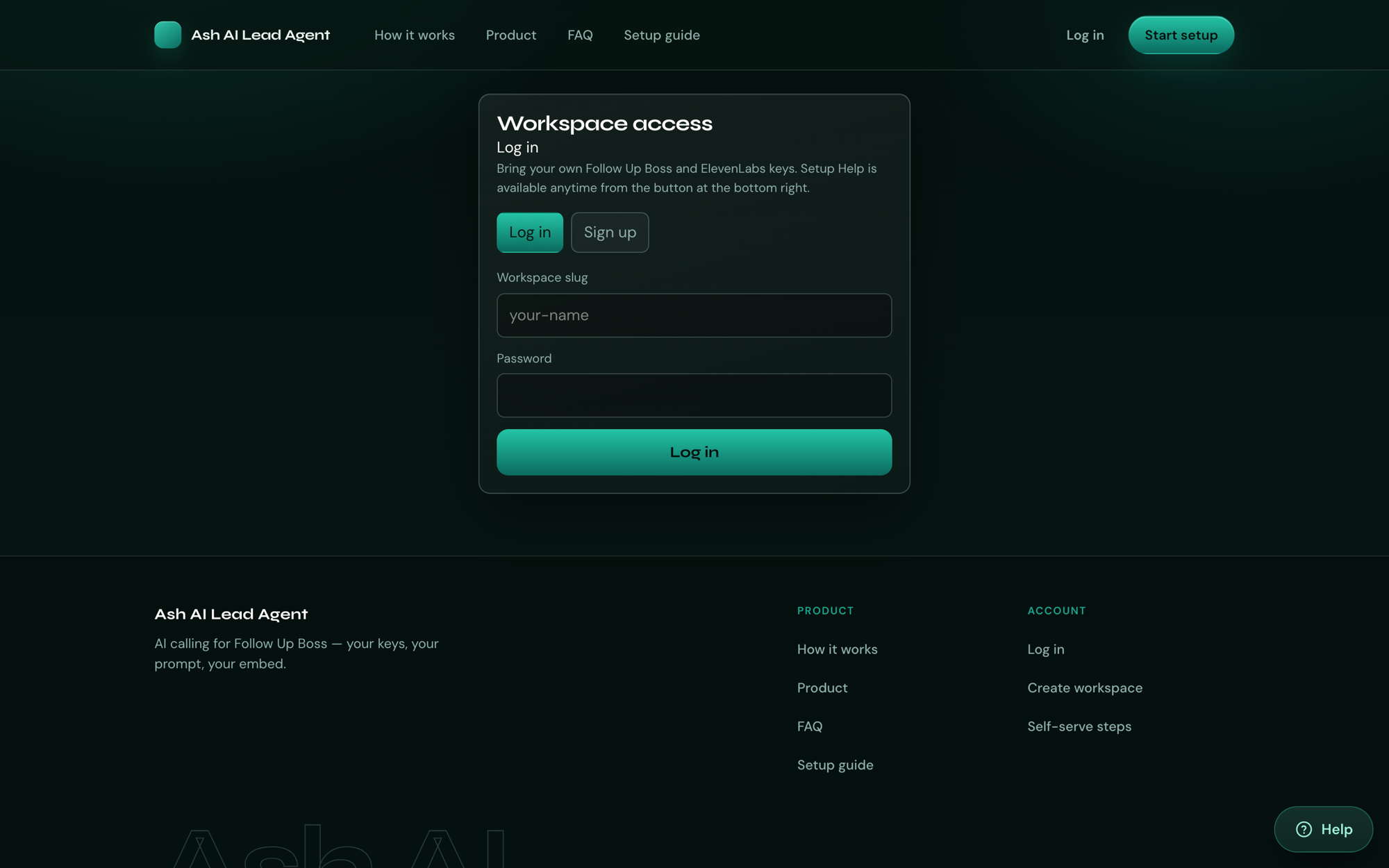
Use the Help button for a guided walkthrough, or follow the full setup guide at your own pace.